
Nachdem der Standard Linux Display-Server, der X.Org-Server, mittlerweile in die Jahre gekommen bzw veraltet ist, legt sich mit diesem Jahr der Fokus auf Wayland, welcher sich als klarer Nachfolger von X11/Xorg definiert.
Übersicht Display-Server -> https://en.wikipedia.org/wiki/List_of_display_servers
- WM – Window-Manager (Fenster-Manager)
- DE – Display-Enviroment (Graphische Umgebung)
- Display-Server (Anzeige-Server)
- GUI – Graphical User Interface (Graphische Umgebung)
- DM – Desktop-Manager (Login)
Hyprland stellt dazu den derzeit beliebtesten Fenster-Manager (Window-Manager) dar,
was aber noch kein graphische Umgebung (Display-Enviroment) darstellt.
Vorgefertigte Setups – Gui
Don’t want to spend days tinkering with Hyprland to get it just right from scratch, but you’d rather start from a DE-like setting? You’ve found the right place.
Here are a few options to consider:
ML4W
ML4W or My Linux 4 Work, is a great DE-like experience out-of-the-box made by Stephan Raabe.
It includes simple gui settings apps, pre-configured feature-rich panels, a welcome app, and more.

JaKooLit
Another great option is installing JaKooLit’s dotfiles. They are another feature-rich and very well maintained option.
JaKooLit provides installation scripts for many distros for their dotfiles, with many themes to choose from.

end_4
Like material styling? Want a lot of great apps? Don’t mind a tiny bit of tinkering? end-4 has you covered.
HyDE
Prefer something more minimal, clean and aesthetic? Are you a terminal enjoyer? HyDE dotfiles by HyDE Project are a very popular choice that will suit your needs.

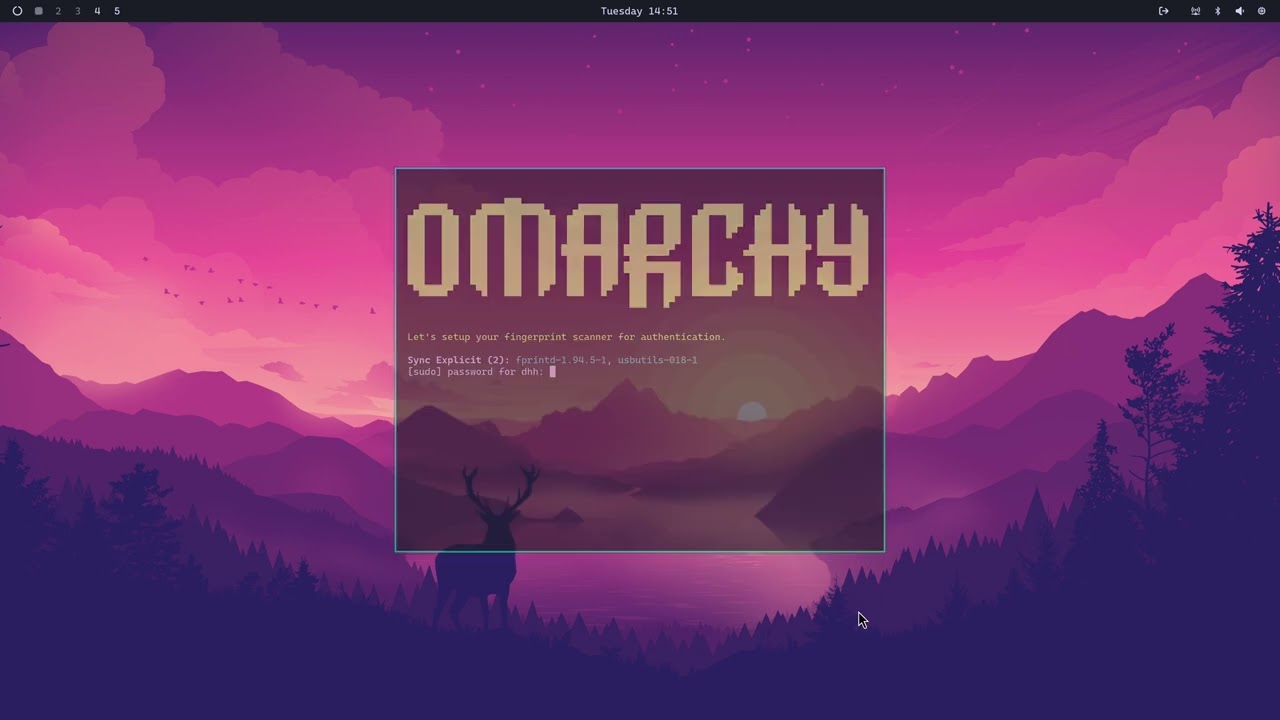
Omarchy
An opinionated Arch + Hyprland Setup by DHH.
Schreibe einen Kommentar
Du musst angemeldet sein, um einen Kommentar abzugeben.